Web design for electricians
Axarez offers web design for electricians in Birmingham and across the UK: fast, mobile-first websites that show customers you’re qualified and make it easy to call. Every site puts your registration, your areas and a call button where customers need them.
- Built for phones
- NICEIC or NAPIT proof up front
- Fixed quotes
By the Axarez team, BirminghamUpdated 19 Nov 2026
What an electrician website needs to win the job
An electrician website has to show three things on the first screen of a phone: the job you do, the area you cover and a way to call in one tap. Straight after that, customers want proof you’re qualified: your NICEIC or NAPIT registration, real photos of your work and genuine reviews.
| What to include | Why it matters |
|---|---|
| Tap-to-call button on the first screen | Most people searching for an electrician are on a phone. A number they can’t tap is a call you don’t get. |
| Your registration, with a way to check it | Customers and landlords want to know you can sign off the work. Show your scheme logo and number. |
| The areas you cover | Tells the customer and Google you’re local |
| Real job photos | Consumer units, rewires and EV chargers you’ve fitted, not stock images |
| Reviews on the page | Proof from people in the same situation |
| A short quote form | For planned jobs like rewires and EV chargers, where people want a price first |
| Fast on a phone | A slow page loses the call to the next name on the list |
Most electrical work in homes in England comes under Part P of the Building Regulations. Electricians registered with a competent person scheme, such as NICEIC or NAPIT, can certify their own work. That’s why customers look for the logo, and why it belongs near the top of your site.
The checks every electrician website should pass
These are the checks that decide whether a customer trusts you enough to call. Each one is simple to get right, and getting all of them right puts you ahead of electricians who haven’t.
| Check | Why it matters |
|---|---|
| Speed on a phone | Google’s target is for the main content to appear within 2.5 seconds. A slow page sends people back to Google to try the next business. |
| Tap-to-call button | Customers on a phone shouldn’t have to copy your number by hand. |
| Registration shown | Electricians registered with a competent person scheme, such as NICEIC or NAPIT, can certify their own work under Part P. Customers look for the logo. |
| Areas named | Customers and Google both need to see that you cover their area. |
To check your own website, open it on your phone and go down the list above. Can you tap to call without scrolling? Is your scheme shown, with a link customers can check? Are your main areas named? Then look at the pages listed below and note which you don’t have yet. If several are missing, a website redesign is often quicker than patching an old site.
What makes an electrician website look professional?
A professional electrician website looks like a real, qualified business on the first screen of a phone: your name and logo, the jobs you do, the areas you cover, your registration and a call button. Real photos of your work, your van and your team matter more than clever design.
- Real photos, not stock images: finished consumer units, EV chargers you’ve fitted, your van with your name on it.
- Registration you can check: your NICEIC, NAPIT or other scheme logo, with your registration number or a link to the register.
- Plain wording: “fuse box replacement” as well as “consumer unit upgrade”, so customers recognise what you do.
- Reviews in your customers’ words: taken from your Google profile, with the job and area where possible.
- The same branding everywhere: your website, Google profile, van and invoices should look like the same business.
Pages every electrician website should have
Build one page for each job people search for, plus one for each main area you cover. A single “Services” page can’t rank for “EICR” and “EV charger installation” at the same time. Separate pages can, and each gives the customer the answer they came for.
- EICR and landlord certificates: who needs one, how long it takes and how to book
- EV charger installation: the chargers you fit and what the job involves
- Consumer unit replacement: photos of your work and why upgrades are needed
- Rewires: how you plan the work and keep disruption down
- Emergency electrician: your hours, response times and the call button, nothing else in the way
- Area pages: for example Solihull, Sutton Coldfield or Erdington, written about that area, not copied
- Reviews and contact: easy to find from every page
Our SEO for electricians page shows how many people search for each of these jobs every month.
Websites for electrical contractors
If you do commercial work, the person choosing you is often a facilities manager, a builder or a landlord with several properties. They look for evidence before they ask for a quote: past projects, accreditations, insurance and the size of jobs you take on.
- Project pages: the type of building, what you installed and the area, with photos.
- Accreditations: your competent person scheme, plus health and safety schemes such as CHAS or SafeContractor if you hold them.
- Sectors you serve: offices, schools, retail, industrial units or housing associations, each with its own page if it is a big part of your work.
- A quote form for larger jobs: one that asks for the type of property, the scope and the timescale.
Keep the domestic and commercial sides clearly separated, so a homeowner and a facilities manager each find their own route through the site.
Websites we’ve built
We haven’t published an electrician project yet, so here is our closest recent work. Torque Hub is a local trade business where customers book by phone and online: we built its website with live stock and online booking, and it reached Google’s top 3 on Maps within 30 days.
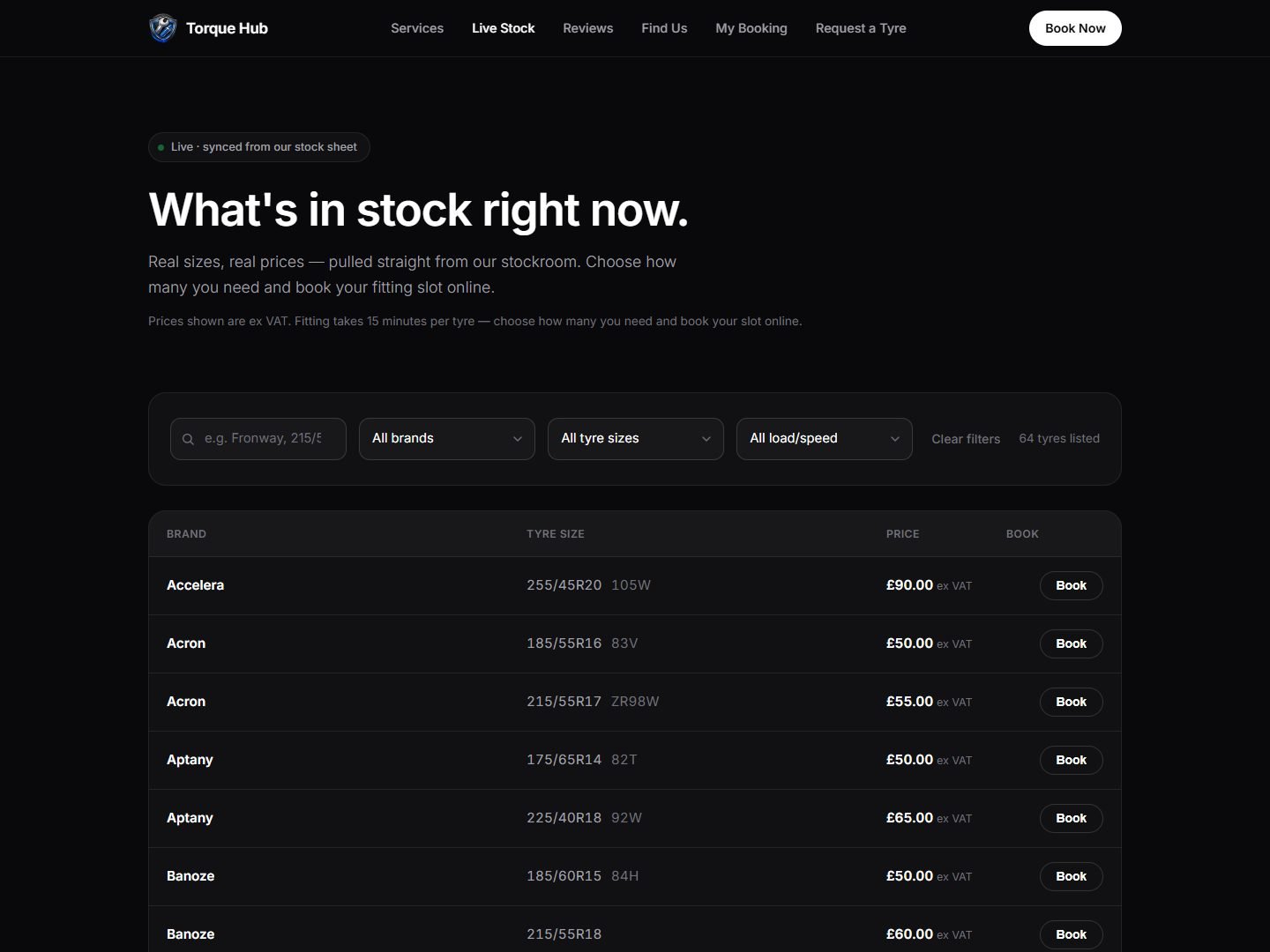 Torque HubWebsite, local SEO, and a custom stock and booking system
 D&S AlterationsWebsite, local SEO and WhatsApp enquiries
 I.S.N. MatWebsite, SEO setup and schema markup
Website design for electricians: how we build it
We start with a short call about the jobs you want more of and the areas you cover. Then we agree the pages and the wording, design and build the site, and test it on real phones before launch. Most electrician websites go live within two to four weeks.
- Call Day 1Your jobs, your areas, your registration and how you take bookings.
- Plan and wording Week 1One page per job and area, written in plain English.
- Design and build Weeks 1–3Call button, registration and reviews placed where they work on a phone.
- Launch Weeks 2–4Tested on real phones, linked to your Google profile, with call tracking set up.
Based in the West Midlands? See web design in Birmingham or across the West Midlands, and Google Maps SEO in Birmingham. Plumber or heating engineer? See web design for plumbers.
Sources
Web Design for Electricians: questions people ask
What is TrustMark?
TrustMark is the UK government-endorsed quality scheme for work in and around the home. Firms are checked by an approved scheme operator for technical skill, customer service and trading practices. If you are registered, show the logo near the top of your website alongside your NICEIC or NAPIT registration.
How do I advertise an electrical business?
Start with a complete Google Business Profile, a website page for each job you want more of and a review request after every job. Google Ads work well for urgent or high-value jobs such as EV chargers and rewires, as long as each click lands on the matching page.
Guides on this topic
- How much does a website cost in the UK? (2026 prices)
DIY, freelancer or agency: UK website prices for 2026, the hidden yearly costs, and real starting prices from 22 Birmingham web designers.
- Wix vs a web designer: what a website really costs over 3 years
Real UK Wix and Squarespace prices, a three-year cost comparison with a web designer, and an honest guide to which one you need.
- Why is my business not showing up on Google?
A 2-minute test to see where you’re missing, the 13 most common causes, and a real map scan showing why location changes everything.
( Get a quote )
Want a website that
wins the job?
- A real person reads your message, usually the same working day
- We may ask a couple of questions about your business
- You get a clear plan and a fixed quote. No obligation